How to Automate and Maintenance Work Orders ?
Learn how to automate maintenance work orders to eliminate downtime. This step-by-step guide covers signal-based triggers, BOM integration, and intelligent routing.
Alice Sylvia
30 May 2026
Imagine trying to fix a car, but you don't know what is broken until smoke starts coming out of the hood.
That is exactly what happens when companies use paper, whiteboards, or simple spreadsheets to track their machine maintenance. It is messy, slow, and leads to unexpected breakdowns.
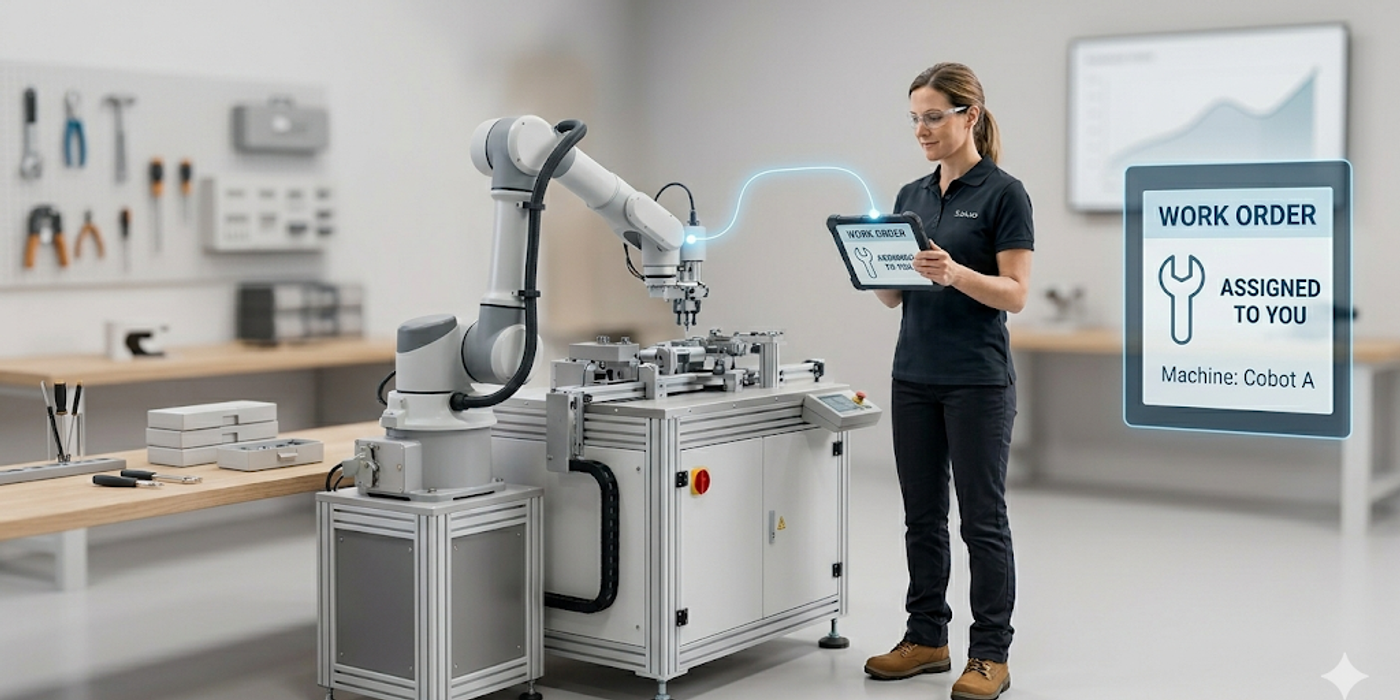
To keep a business running smoothly, you need an automated system. Automation catches problems early and sends the right worker to fix them fast—without needing a human to press a button.
Here is a simple, step-by-step guide to automating your maintenance work orders.
1. Put All Your Information in One Place
You cannot automate anything if your information is scattered. If your team uses different notebooks, messy spreadsheets, and old software, you will just make a faster mess.
The first step is to use one central software system. This is where all your machine history, spare parts lists, and schedules live. Think of it as the single "brain" for your operations. When all your data is in one place, the system can finally start doing the work for you.
2. Set Up Smart Triggers
A smart system does not wait for a human to notice a problem. Instead, you can set rules—called "triggers"—to create work orders automatically.
Here are the two best ways to do this:
- Usage Triggers: Just like getting a car's oil changed every 5,000 miles, the system creates a work order automatically after a machine runs for a certain number of hours.
- Condition Triggers: This is the smartest method. Sensors monitor the machines in real-time. If a machine gets too hot or starts vibrating strangely, the system instantly sends an alert before the machine actually breaks.
3. Give Clear Instructions Automatically
When an alert goes off, the worker needs to know exactly what to do. If they have to spend 30 minutes looking for an instruction manual, you are wasting valuable time.
An automated work order should immediately pop up on a screen and include:
- Step-by-step instructions on how to fix the problem.
- Safety warnings so the worker stays safe.
- A list of the exact parts needed for the repair.
This way, the ticket goes straight to the right worker, and they can start fixing the issue right away.
4. Connect Your Spare Parts Inventory
You cannot fix a machine if you do not have the right parts. When the automated system creates a work order, it should also check your stockroom at the same time.
If the system sees that you are running low on a specific part, it can automatically order more from your supplier. This means your workers will never have to stand around waiting for parts to arrive.
Stop Guessing, Start Automating
Relying on paper and memory leads to mistakes and broken machines. By automating your maintenance work orders, you save time, reduce stress, and keep everything running smoothly.
You just need one smart system to catch the problems you are missing and fix them automatically.